
Organize PDF pages before you send the final copy
A PDF can have the right information and still feel messy. Page order, duplicate pages, missing numbers, and extra scans all affect whether the recipient trusts the final document. A quick organization pass makes the file easier to review and easier to archive.
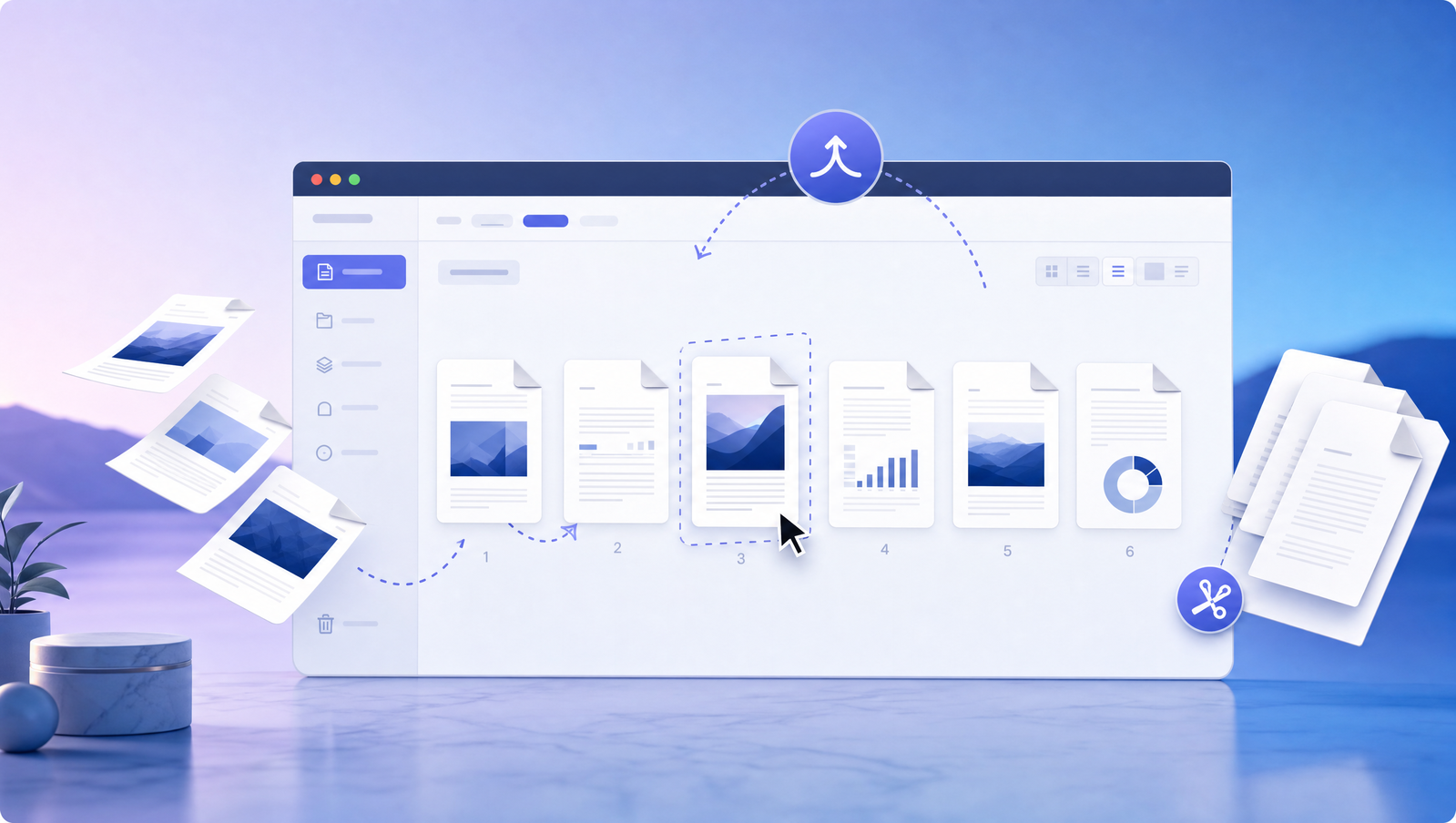
Start with the reader's path
Before editing individual fields, scan the document from the recipient's point of view. The first pages should explain the context, the required fields should appear where the reader expects them, and supporting pages should not interrupt the signing flow.
This is especially useful for intake packets, addenda, invoice backups, and multi-page approvals where pages are often assembled from several sources.
Related Signlark tools
Try this workflow in the browser
Remove noise before adding fields
Delete blank scans, duplicate pages, accidental cover sheets, and outdated instructions before you place fields or collect signatures. Cleaning first prevents fields from landing on pages that later disappear.
If the final PDF needs page numbers, add them after the page order is stable so references stay accurate.
Make the final copy easy to store
A well-organized PDF should be readable months later without the original email thread. Use a clear file name, keep pages in logical order, and download the completed copy immediately after the workflow is done.