
Signlark resources
Practical guides for faster PDF work.
Learn how to fill, sign, prepare, and share PDFs without printing, scanning, or chasing people for missing fields.
Live workflow
Watch the PDF come alive
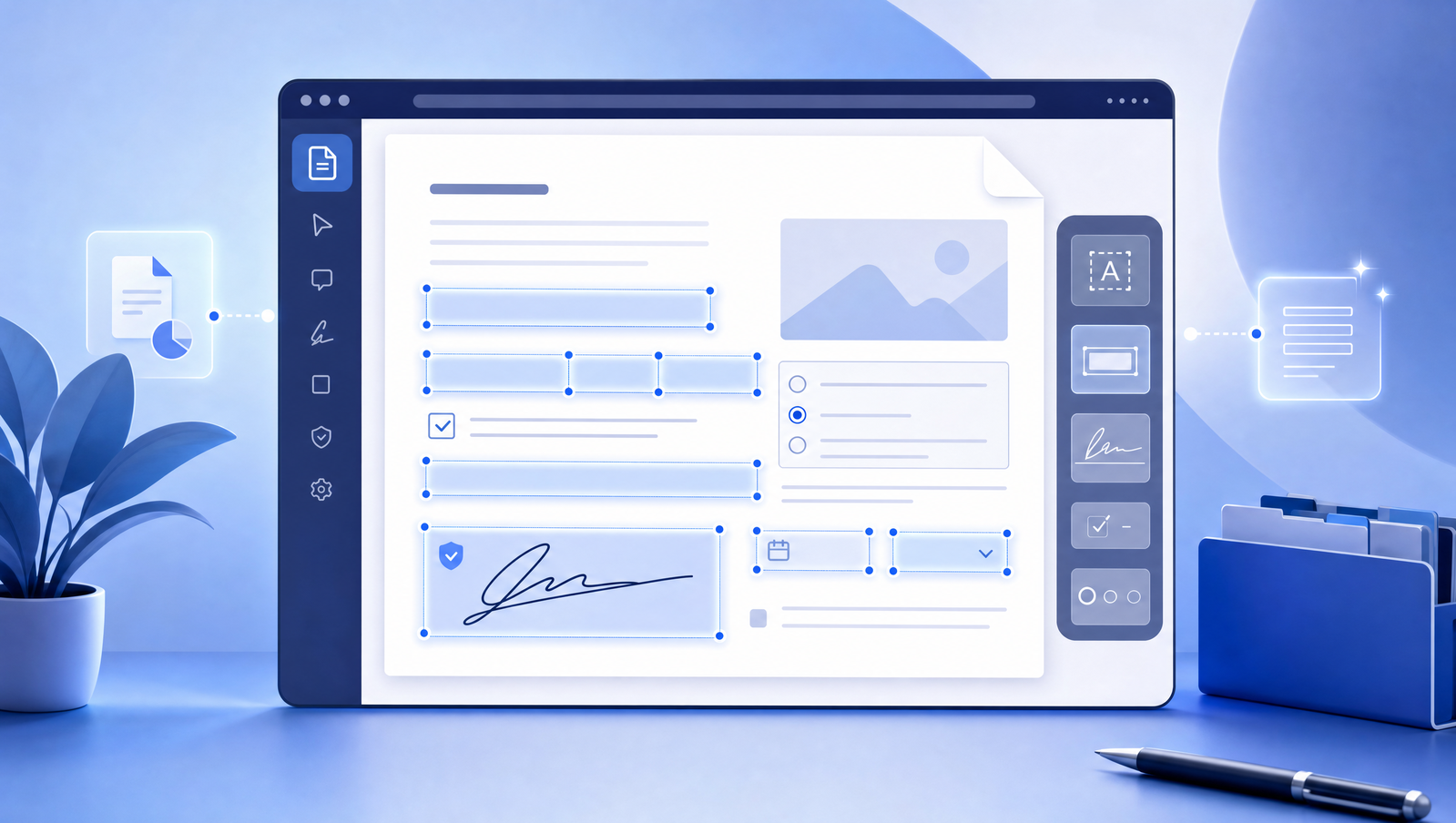
How smart PDF field detection turns static forms into workflows
A practical look at the blank lines, checkboxes, dates, and signature areas that make PDF forms painful — and how browser-based field detection removes the busywork.
Read article →
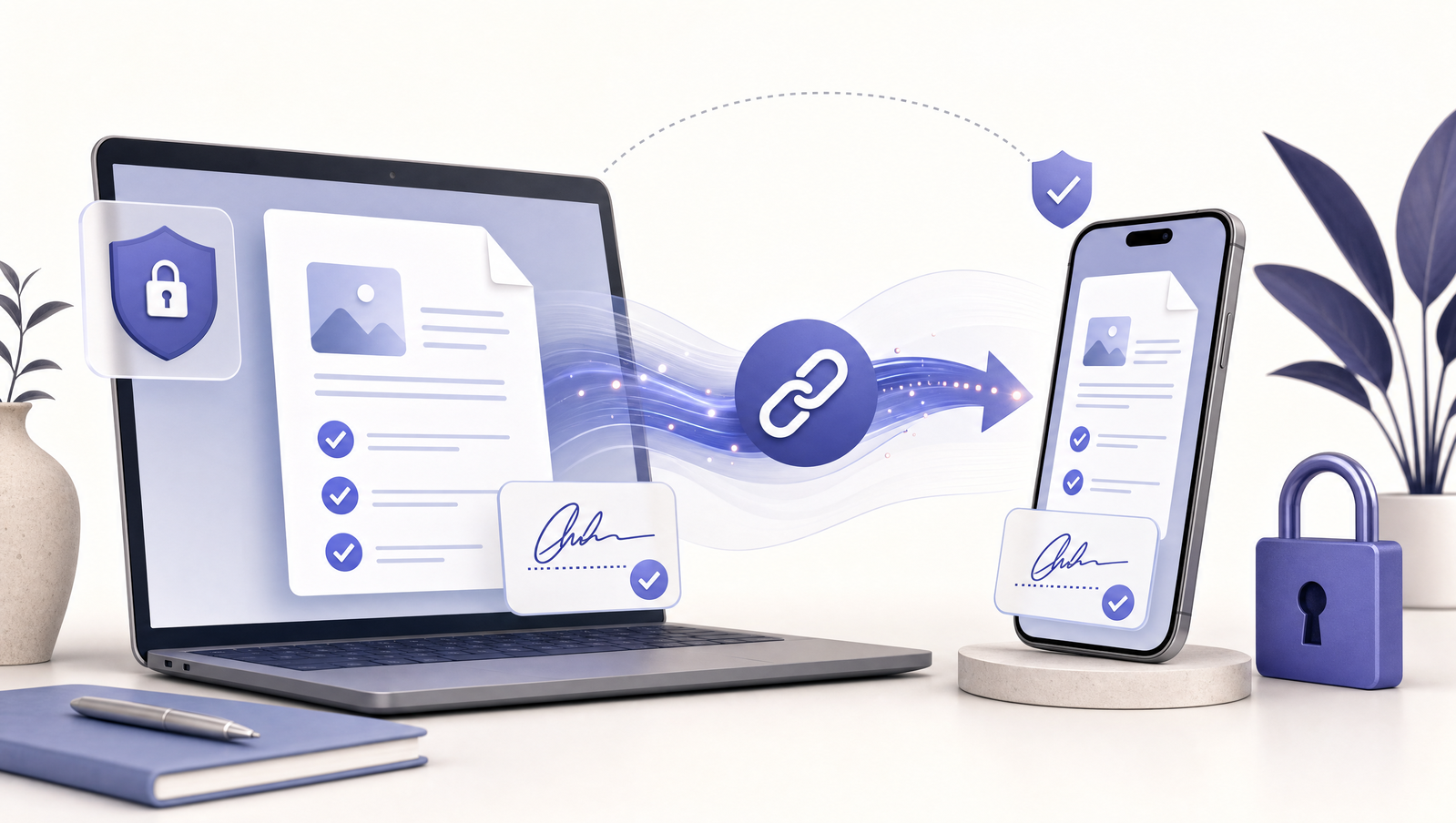
A better way to share PDFs for signing without confusing recipients
Shared signing links work best when the recipient gets a focused mobile flow, clear required fields, and a secure path back to the sender.
Read article →

From paperwork pile to client-ready PDF workflow
How small teams can replace print-sign-scan loops with reusable digital document flows for intake, approvals, contracts, and handoffs.
Read article →
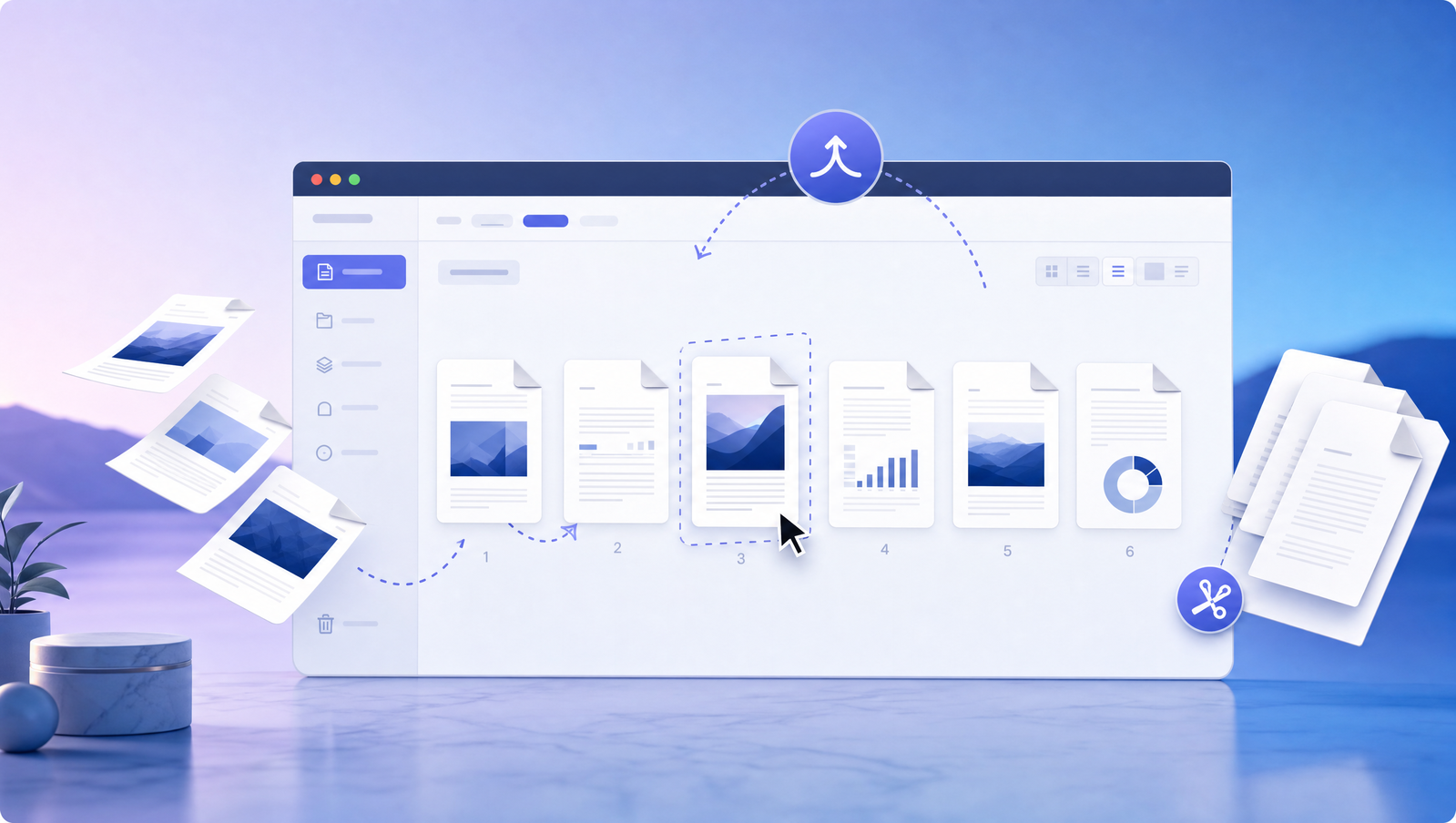
Organize PDF pages before you send the final copy
A simple checklist for rearranging, removing, merging, and numbering PDF pages before clients or teammates see the document.
Read article →
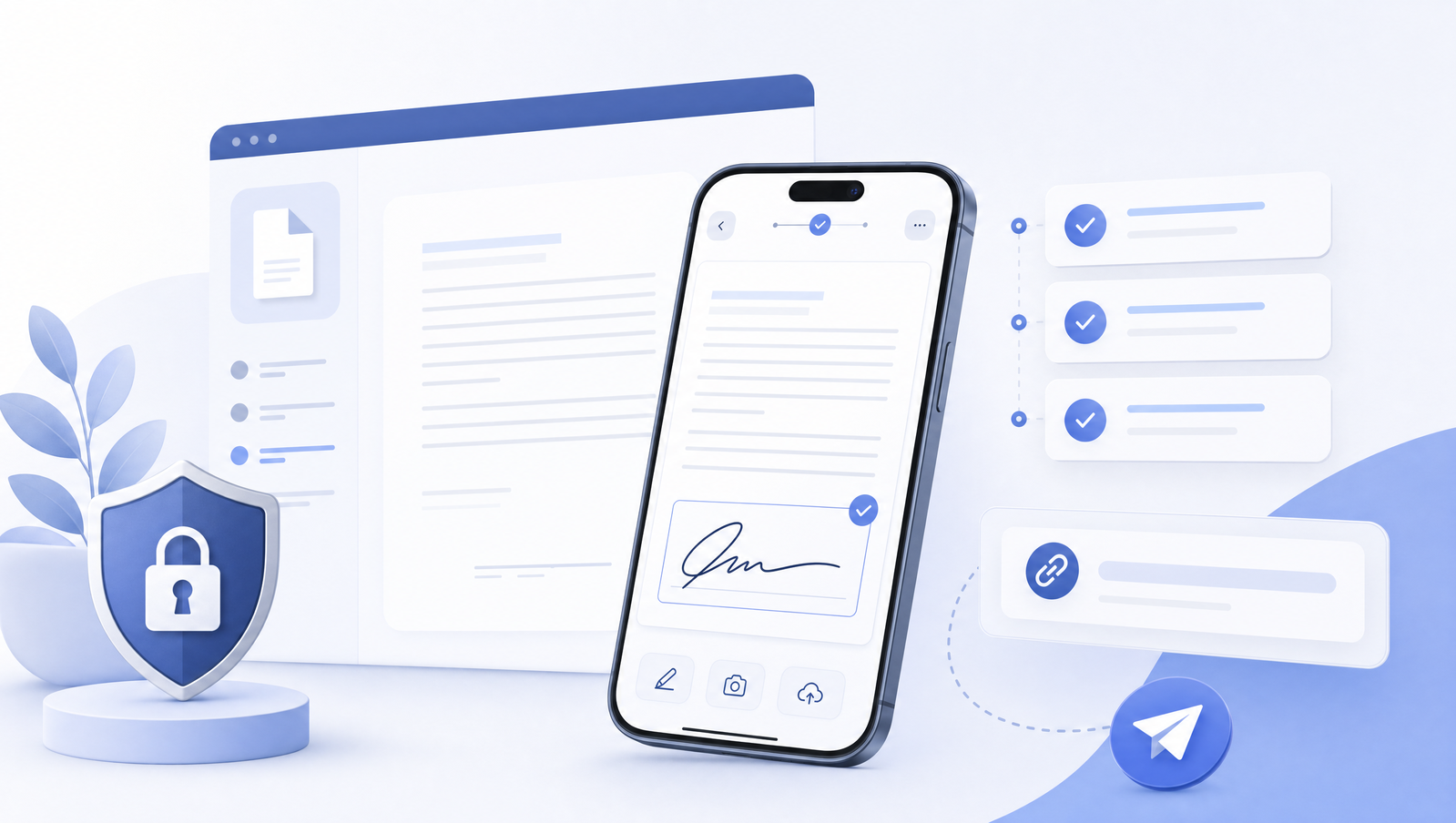
Design PDF signing links for people opening them on a phone
Most recipients open document links from email or chat on mobile. Here is what makes a signing flow feel simple instead of frustrating.
Read article →

Use PDF stamps to make approvals obvious
Approval stamps, dates, initials, and status marks help teams communicate what happened to a document without adding another process layer.
Read article →