
From paperwork pile to client-ready PDF workflow
Going paperless does not require a giant document management project. For many teams, the biggest win is simply removing the repeated print-sign-scan loop from the documents they already use every day.
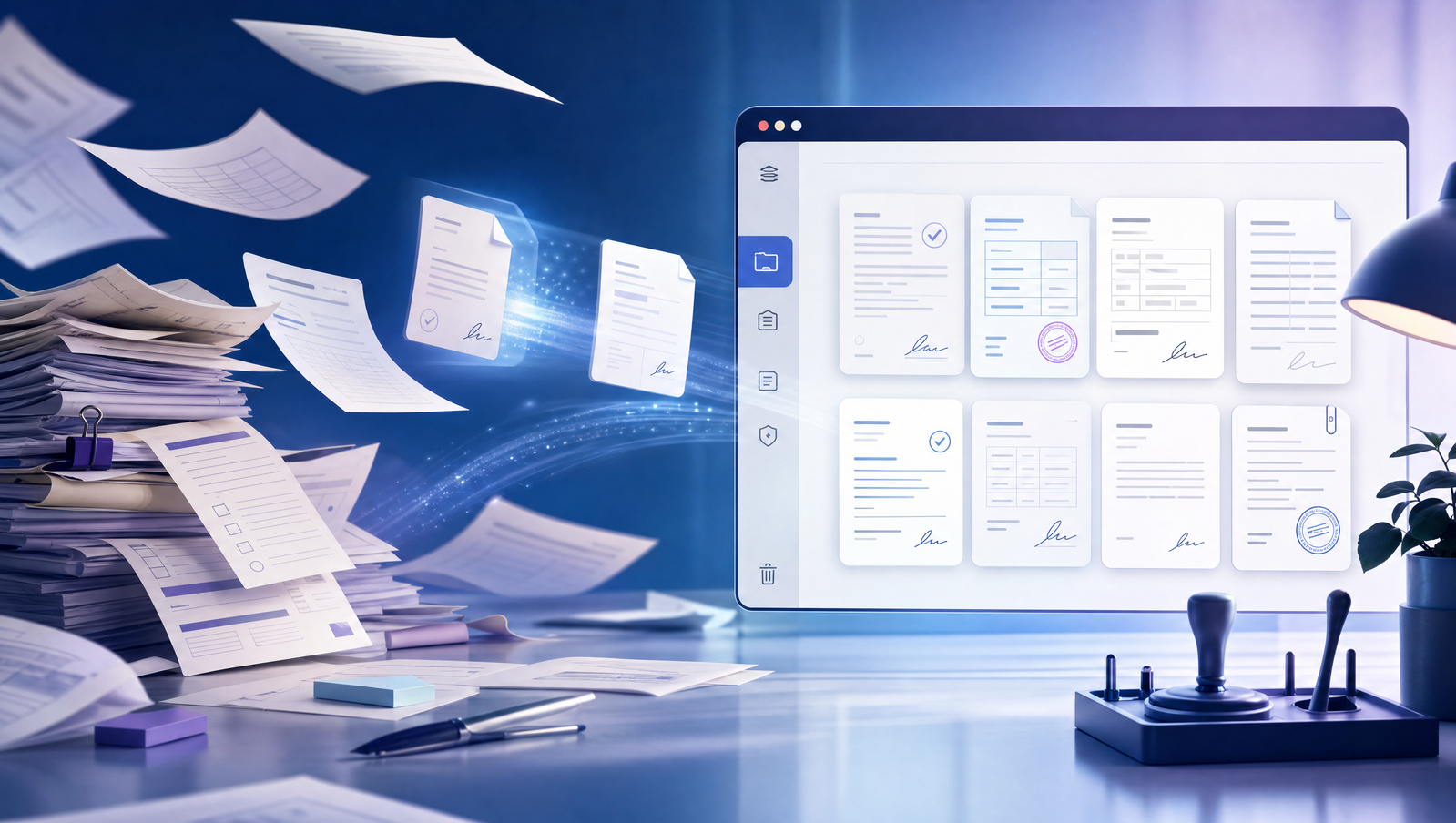
Start with the documents that create delays
Every business has a few forms that slow work down: intake packets, consent forms, service approvals, contract addenda, invoices, onboarding documents, and internal sign-offs. These are ideal candidates for a lightweight PDF workflow.
The goal is not to redesign the whole business process. It is to make each document easier to complete, sign, save, and share.
Related Signlark tools
Try this workflow in the browser
Standardize the repeatable steps
A good workflow makes the repeatable parts predictable: upload the PDF, prepare the fields, sign or stamp what you control, share it with the recipient, and store the completed copy. Once the team trusts that loop, paper becomes the exception instead of the default.
Keep humans in control
Automation is most useful when it removes routine setup, not judgment. Teams still need to review documents, confirm the right recipient, and make sure the final signed PDF matches the client context. Browser-based tools work well because they keep that review step close to the document itself.