
A better way to share PDFs for signing without confusing recipients
The hardest part of PDF signing is often not the signature itself. It is getting the right person to open the right document, understand what is required, complete it on a phone, and return a clean copy without back-and-forth.
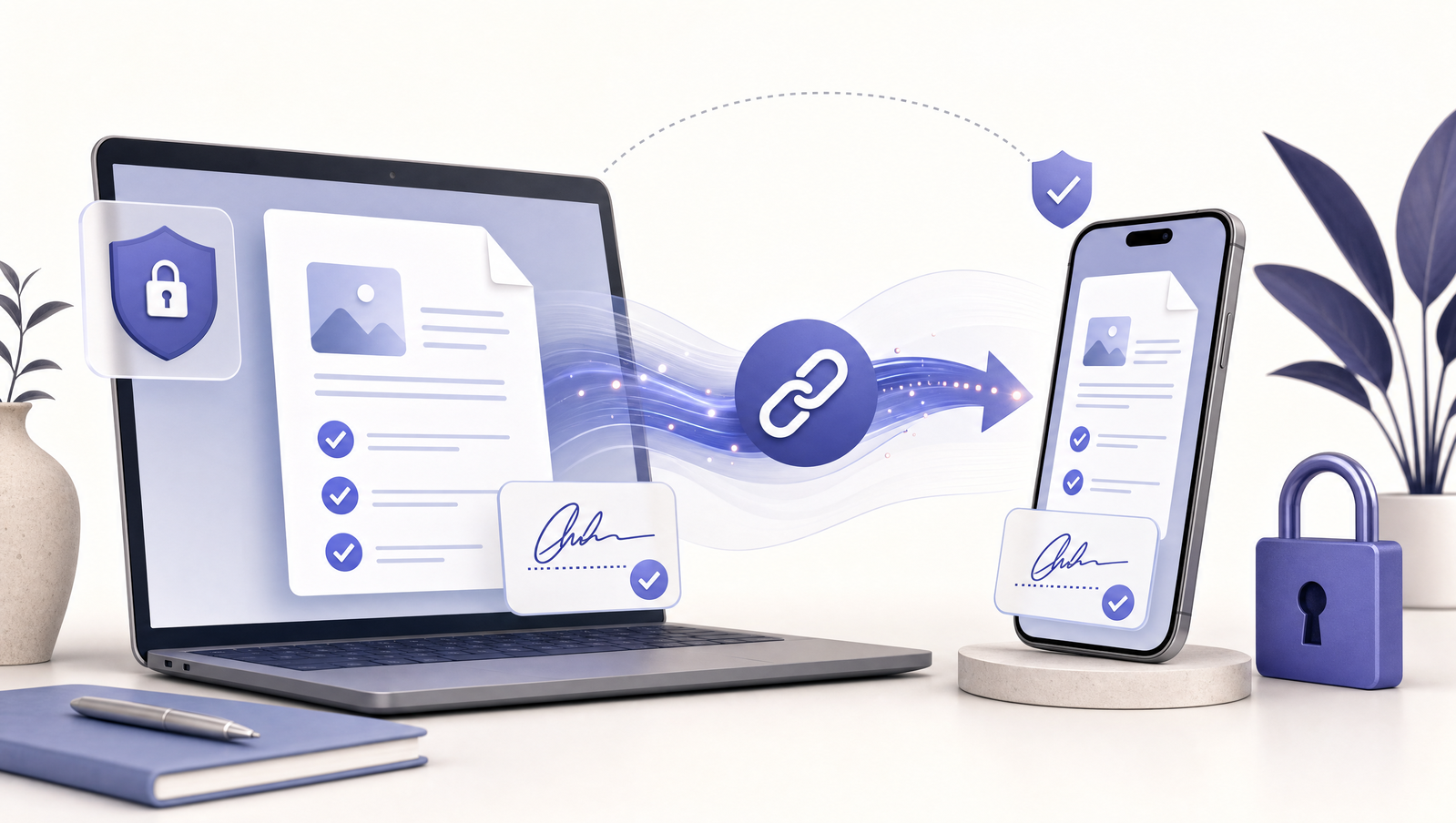
Recipients need a guided path
A raw PDF attachment asks the recipient to figure everything out: which fields matter, where to sign, which app to use, and how to send it back. A guided signing link removes those decisions.
The recipient should land directly on the document, see the first required field, complete each step, and submit. The interface should be obvious even on a small screen.
Related Signlark tools
Try this workflow in the browser
Security should be visible but quiet
People are more likely to complete a form when the link feels trustworthy. Clear document names, simple confirmation states, and a secure return path help. The flow should not bury users in legal or technical language before they can complete the task.
For senders, the important controls are ownership, link status, and knowing exactly which copy was submitted.
Design for the phone first
Most recipients open links from messaging apps or email on a phone. That means large tap targets, no accidental keyboard popups, readable fields, and a signature experience that works with a finger. Desktop polish is useful, but mobile completion is the core acceptance test.